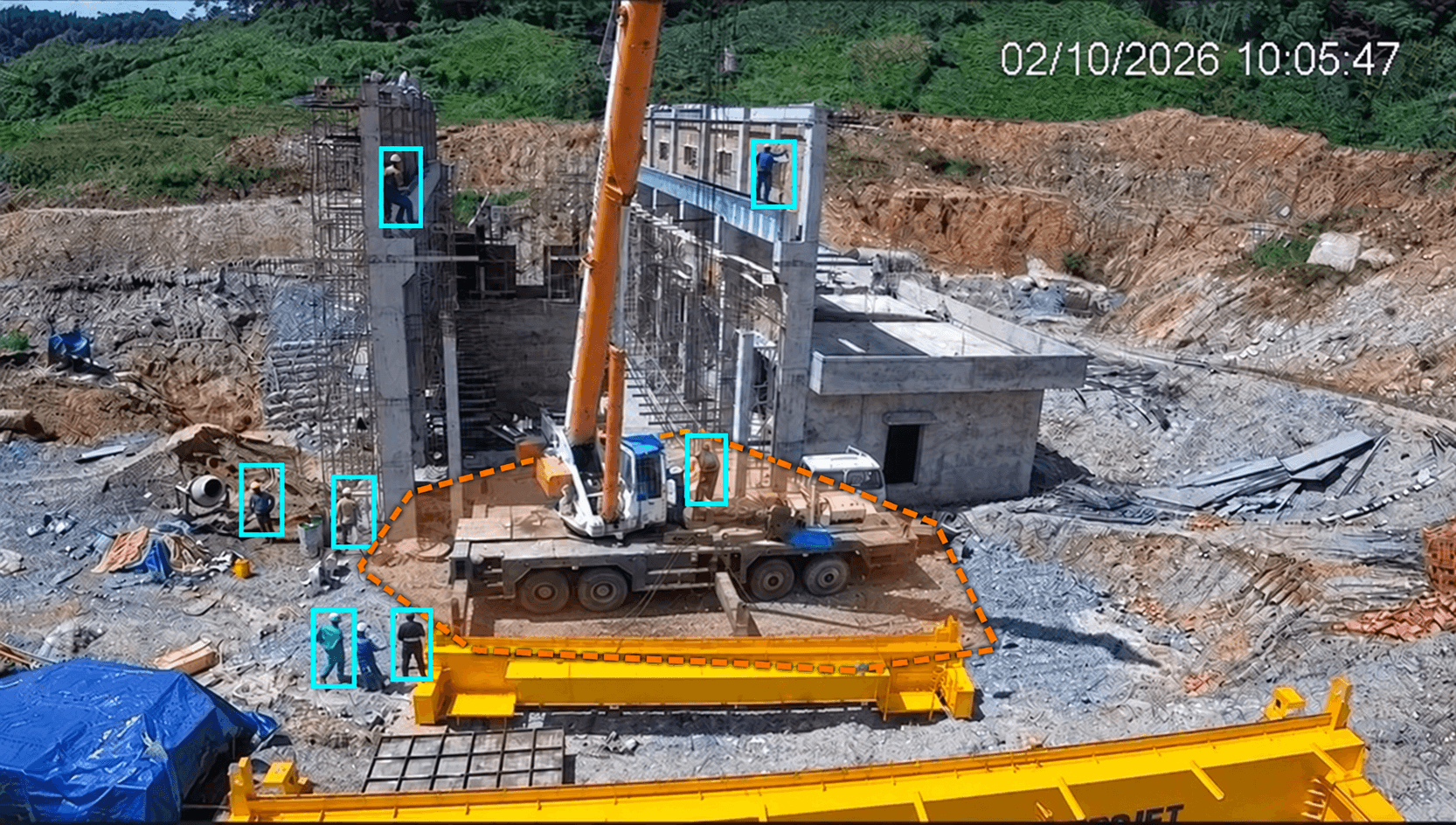
Smart Construction connects field data with the work of owners, project managers, contractors and consultants. Cameras and visual logs provide the evidence layer, helping teams review work, verify progress and coordinate issues throughout the project lifecycle.
Organize projects by area, work package, milestone and responsible team. Bring time-aligned imagery into progress meetings, site discussions and handover records so information is easier to find across teams and reporting channels.
The existing platform provides cameras, timelines, time-lapse, sharing, APIs and scoped AI modules. Task workflows, drone/360 data, BIM comparison and project-system connectors are assessed, designed and validated through phased implementation.
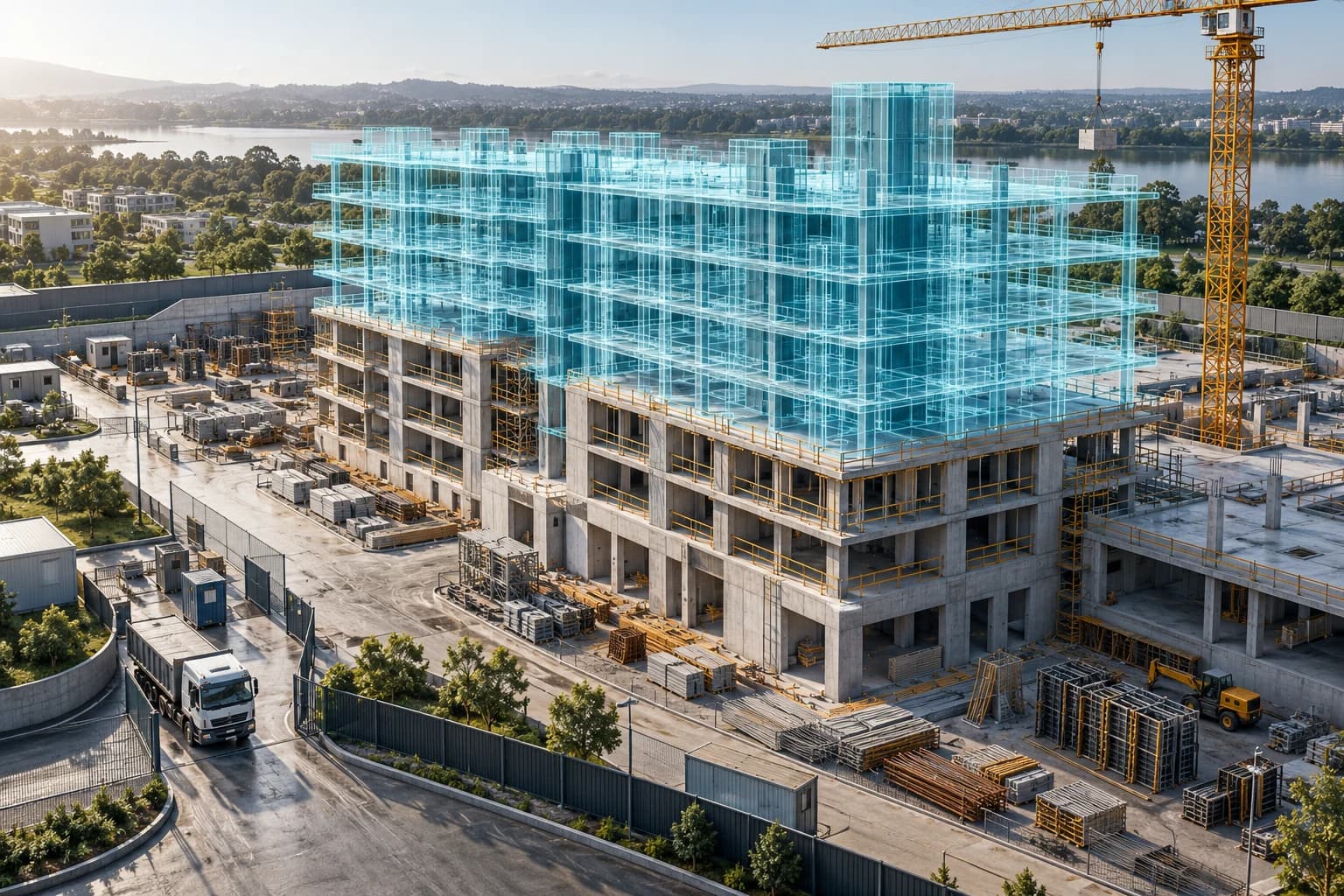
AI-generated illustration.
Deploy around management needs
Cameras and timelines are the starting point. Workflows, records and integrations are defined with your project team.
Solution capabilities
One Evidence Flow.
Connect the Construction Lifecycle.
Multi-project workspace
Organize sites, areas, cameras, users and access rights. Structure workspaces around owners, packages or operating teams so users can reach the right project context.
Evidence-linked progress reviews
Link planned milestones with images and recordings for change review. Completion is confirmed by responsible people rather than automatically inferred as a percentage from camera footage.
Digital site records and timelines
Retrieve images by date, camera and area alongside notes, recordings and supplied files. Construction diary forms are tailored to the project workflow.
Coordination and issue workflows
Define an image-linked issue workflow with location, ownership and verification. Statuses, notifications and task-system connections are agreed within the integration scope.
Drone and 360° capture integration
Assess importing survey-provider data and walkthrough imagery for site-wide and interior context. Formats, location references, capture schedules and viewers are validated separately.
BIM and reality comparison
Plan model or drawing comparison against site imagery at corresponding viewpoints and milestones. Alignment and model formats require a PoC and do not replace engineering measurements.
Safety AI and reviewed events
Connect agreed PPE, restricted-zone and other AI modules. Events need imagery, timestamps and review before reporting; configuration depends on viewpoints and operating conditions.
Gates, vehicles and deliveries
Add scoped AQP Gate capabilities to review entry/exit activity and event imagery. Connect delivery schedules or material tickets through integration; vehicle images alone do not confirm quantities or payments.
Reporting, review and handover
Assemble imagery, time-lapse and reviewed events by period or milestone. Link quality files and review records through integration; formal acceptance follows the project’s authorized process.
Access control and system integration
Set project and role-based access, retention and sharing policies. APIs, webhooks or file exports connect existing systems after access rights and synchronization needs are confirmed.
Workflow-led management
Connect What Is Happening with What Comes Next
Explore progress, coordination, safety and reporting workflows. The illustration below shows a proposed design scope rather than live operational data.
PROPOSED WORKFLOW ILLUSTRATION
Evidence-led progress meetings
Connect milestones, evidence and follow-up actions so project managers and contractors share the same context.
01
Select the project, area and milestone.
02
Compare dated imagery with contractor updates.
03
Record gaps, owners and next actions.
04
Confirm findings before updating the report.
Proposed output: a progress review record with imagery and follow-up actions.
Solution areas
Manage Projects from Portfolio Context to Site Issues
Project configuration
Project portfolio management
Owners review multiple sites within a shared structure, filter by area or team and identify where deeper review is needed.
Deliverables: Workspaces, access rights and project reporting.Discuss the scope
Workflow extension
Progress and work coordination
Link field imagery to milestones and follow-up issues, with defined ownership and confirmation steps for project teams.
Deliverables: Review and work-item workflows to integrate.Discuss the scope
Assessment and PoC required
Reality capture and BIM
Add drone, 360 walkthrough or model data for spatial reviews, starting with a pilot area and sample dataset.
Deliverables: Validated formats, viewers and alignment.Discuss the scope
Scoped modules
HSE and field operations
Combine PPE AI, restricted zones and HSE response workflows for reviewed events and team-specific follow-up.
Deliverables: Scoped AI modules and verification workflows.Discuss the scope
Add-on and integration
Gate and material logistics
Connect vehicle imagery with deliveries and responsible teams, reviewing gate history against supplied tickets or plans.
Deliverables: Gate events and delivery-record integration.Discuss the scope
Project-record integration
Records, quality and handover
Assemble work-package evidence for quality reviews and handover, linking records, drawings or document systems through granted access.
Deliverables: Evidence packages with imagery, time and source references.Discuss the scope
Field data and design
Review Plans and Reality in a Shared Context
Fixed images capture changes over time, drone data adds site-wide context and 360 walkthroughs cover interiors. When BIM models or drawings are available, agree suitable viewpoints, milestones and comparison methods.
Start with a sample dataset: validate formats, location references, model versions and access before viewer integration. Surveying, quantity calculations and acceptance require specialist methods and separate scope.
AI-generated concept, not a product interface or actual project alignment result.
Management benefits
Evidence for Decisions.
Accountability for Delivery.
Make field data part of reviews and actions, with defined ownership at each stage.
Shared context across teams
Review common imagery and change history instead of reconciling fragmented updates.
Evidence-backed progress reviews
Support milestone discussions with site evidence and responsible-team confirmation.
Track ownership and responses
Clarify issue ownership, supporting information and verification needs.
Prepare reports more efficiently
Organize imagery, time-lapse and records by period rather than reconstructing them at reporting time.
Support quality and risk reviews
Keep traceable history for specialist reviews of events and work sequences.
Expand as the project is ready
Start with cameras and timelines, then add workflows, AI or spatial data through a PoC.
Built around project roles
The Right Context for Every Role
Owners
Portfolio visibility, milestones for review and approved reporting records.
Project managers
Progress reviews, issue coordination and cross-team response tracking.
Contractors and site leads
Field updates, supporting evidence and confirmation of assigned work.
HSE and consultants
Event review, record checks and authorized follow-up coordination.
Existing AQPTech field materials
Grounded in Field Deployment
Existing installation, equipment and interface materials illustrate Smart Construction’s capture layer. Management workflows and extended integrations are scoped for each project.
InstallationOn-site operationAI detection
Existing demonstrations
Construction safety AI in action
These videos demonstrate safety AI and interfaces, rather than the complete extended management workflows.
PPE detection
A demonstration of AI detecting people, hard hats, and high-visibility vests on a construction site.
HeraMind — Site safety monitoring
Camera views, PPE violation statistics, and an AI assistant for looking up information in one interface.
Review projects, users, cameras, connectivity, forms and existing systems.
02
Define the pilot scope
Select an area, milestone or workflow with clear ownership and evaluation criteria.
03
Configure and validate
Test imagery, access rights, integrated data and real response workflows.
04
Hand over and expand
Agree documentation, operations, retention and support before expanding.
A clear commercial scope
Existing prices apply to the stated camera, platform and module scope. Workflows, forms, BIM, drone/360 and data integrations are assessed and quoted separately for each project.
Share your site landscape and the workflows you want to improve to define a suitable demo scope.
Loading form…
Questions and answers
Frequently Asked Questions
How does this differ from site surveillance?
Cameras are one data source. The solution extends into project organization, progress reviews, issues and reporting records. Workflows and connectors follow actual requirements rather than being automatically included in a camera package.
Can the scope include progress and tasks?
Milestones, work items, ownership and verification can be designed or integrated. Existing scheduling software can remain the planning system while AQP adds field evidence and scoped connections.
Do cameras automatically calculate completion percentages?
Not by default. Progress requires schedule comparison and specialist confirmation. Automated work recognition needs sample data, a defined method and a separately validated PoC.
Are drones, 360 imagery and BIM included?
These are extensions requiring assessment of sources, formats, access and viewers. Capture, model alignment and integrations are scoped and quoted after review.
Can existing project systems be connected?
Integration depends on available APIs, webhooks, export formats and access rights. Agree data, synchronization direction and failure handling before implementation.
How is safety AI used?
PPE or restricted-zone modules follow confirmed viewpoints and scope. HSE reviews signals and responds; AI supports rather than replaces on-site safety procedures.
Can existing cameras be used?
Potentially, if protocols, codecs, viewpoints and image quality are suitable. Review power, connectivity and retention before selecting a platform or full service.
Do visual records replace formal acceptance?
No. Images and recordings support review. Formal records, approvals, quantities and acceptance follow the project’s authorized procedures.
Is smart management priced like the camera package?
Existing pricing covers the stated camera, platform and module scope. Workflows, BIM, drone/360, data integrations and reporting forms are assessed and quoted separately.
What should we prepare for a demo?
Share project types and counts, construction stages, areas, existing cameras, scheduling systems and two or three workflows to improve. AQP can then help define a suitable pilot.
AQPTech · GROW WITH US
Supercharge your career with us
At AQPTech, we connect people, technology and real-world challenges. Learn together, grow your skills and build solutions that create value for businesses.