
Multi-vendor sources
Ingest ONVIF Profile T/G cameras, RTSP, RTMP, SRT, RTP/GB28181, NVR/VMS systems, and MP4 files.
HTML5STREAM connects cameras, NVRs, and VMS platforms with Web, Mobile, AI, IoT, and SCADA applications. Low-latency live view, recording, playback, PTZ, and APIs shorten the path to a production video solution.
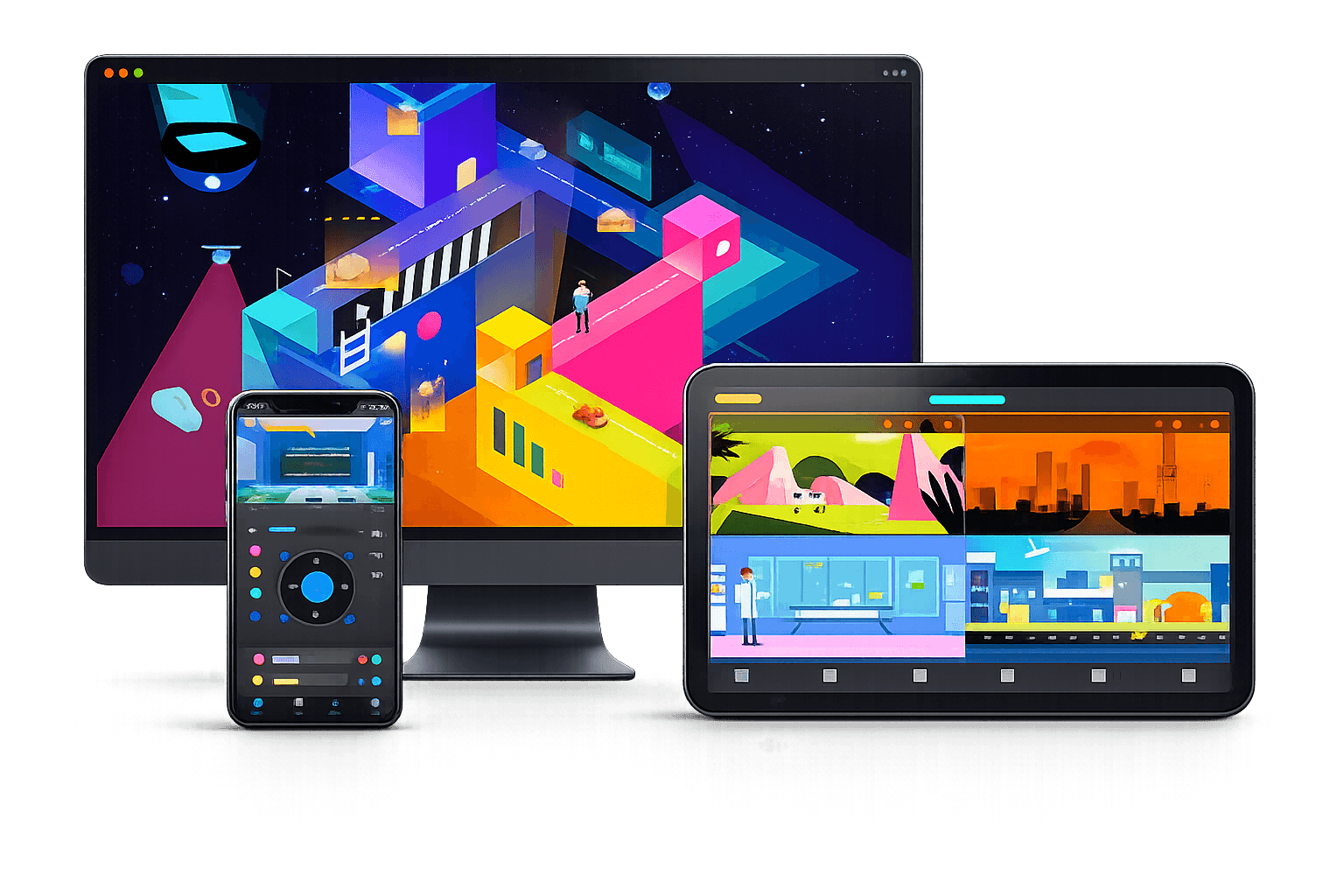
From ingest, conversion, and recording to browser playback, HTML5STREAM brings essential media capabilities into one API-ready service.
Ingest ONVIF Profile T/G cameras, RTSP, RTMP, SRT, RTP/GB28181, NVR/VMS systems, and MP4 files.
Demux, mux, relay, protocol conversion, snapshots, and recording in a high-performance C++ media core.
Deliver video to Chrome, Edge, Safari, and Firefox through WebRTC, WebSocket, HLS, HTTP-FLV, or fMP4.
REST APIs, webhooks, and a C API embed streaming into VMS, SOC, video wall, GIS/eMap, or custom applications.
Run on an edge gateway, an on-premise server, or a centralized multi-site cluster.
Enable the optional CUDA/TensorRT pipeline for object detection while keeping AI outside the default streaming core.
This programmed diagram maps device ingest through the media core to browsers and business systems. It remains crisp and readable on every screen.
*Sub-400 ms is a WebRTC design target; actual results depend on codec, network, NAT/TURN, and viewer hardware.
These capabilities solve different layers of the delivery problem: TURN preserves a WebRTC path when direct connectivity fails; PCIe transcoding changes the codec before H5S distributes the video.
H5S coordinates signaling and can relay media through TURN. The browser still prefers a direct path; media is routed through H5S only when NAT or firewall policy prevents that connection.
Exchanges SDP, ICE candidates, and session setup information between the web client and H5S.
Relays media when both endpoints cannot establish a direct WebRTC transport path.
http://47.1.1.123:9080https://47.1.1.123:9443192.168.100.123:808047.1.1.123:9080HTTP / WebRTC signaling192.168.100.123:844347.1.1.123:9443HTTPS / WSS signaling192.168.100.123:347847.1.1.123:3478TURN relayWhen relay is active, every viewing session traverses H5S. Size Internet capacity, NIC throughput, and data-centre egress for the aggregate concurrent bitrate.
TURN relays data; it does not transcode codecs automatically. Protocol overhead and operational headroom are not included in this example.2 Mbps × 100 viewers ≈ 200 Mbps outboundAn H.265 source is routed through a dedicated PCIe card. Hardware converts it to AV1, after which H5S distributes the AV1 stream to web clients.
The endpoint device and browser must decode AV1. Validate latency, quality, and channel density with the exact card, driver, and codec profile planned for deployment.
H.265 camera → PCIe AV1 transcoder → H5S WebRTC Server → direct connection or TURN relay → AV1-capable browser.
Prefer HTTPS/WSS signaling and TURN over TLS when the network requires it. TCP port forwarding alone may be insufficient: design ICE/TURN, UDP/TCP fallback, TLS certificates, firewall policy, and public-IP advertisement together.
Start with a gateway near the cameras or scale into a multi-site media core without changing the integration surface.
Ingest and convert close to cameras to reduce WAN bandwidth and preserve local viewing.
Centralize streams, recording, and access control across sites or existing VMS deployments.
Add NVIDIA GPUs and TensorRT when the use case requires real-time inference close to the video source.
Choose the package for your x86_64 Linux server. Commands download directly from the project's official GitHub Release.
curl -LO https://github.com/AQ-VISION/html5stream/releases/download/v8.1.0/SHA256SUMS
sha256sum -c SHA256SUMS --ignore-missingcurl -LO https://github.com/AQ-VISION/html5stream/releases/download/v8.1.0/html5stream_8.1.0_amd64.deb
sudo apt install ./html5stream_8.1.0_amd64.deb
sudo systemctl enable --now html5streamcurl -LO https://github.com/AQ-VISION/html5stream/releases/download/v8.1.0/html5stream-8.1.0-1.x86_64.rpm
sudo dnf install ./html5stream-8.1.0-1.x86_64.rpm
sudo systemctl enable --now html5streamcurl -LO https://github.com/AQ-VISION/html5stream/releases/download/v8.1.0/html5stream-8.1.0-Linux-x86_64.tar.gz
tar -xzf html5stream-8.1.0-Linux-x86_64.tar.gz
./usr/bin/html5stream-mediaserverSystem packages run the html5stream service. The default configuration is /usr/libexec/html5stream/config.ini; back it up before changing ports, TLS certificates, or recording policy.
/usr/libexec/html5stream/config.inisudo systemctl status html5stream
sudo journalctl -u html5stream -f
curl -I http://127.0.0.1:8080/Once the service is healthy, open the embedded admin console below. Replace SERVER_IP with the server IP or hostname.
http://SERVER_IP:8080/admin/Open only enabled services. For public Internet access, place HTTP APIs behind a TLS reverse proxy and constrain media ports with a firewall.
HTTP console / API
HTTPS console / API
RTSP
RTMP
WebRTC signaling
WebRTC media
ICE / TURN
SRT
RTP proxy
Use CMake for a minimal Release build. ENABLE_AI remains off by default so the streaming core stays lightweight.
git clone --recursive https://github.com/AQ-VISION/html5stream.git
cd html5stream
cmake -S . -B build \
  -DCMAKE_BUILD_TYPE=Release \
  -DENABLE_WEBRTC=ON \
  -DENABLE_API=ON \
  -DENABLE_AI=OFF \
  -DENABLE_TESTS=OFF
cmake --build build -j"$(nproc)"The YOLO build script requires FFmpeg development libraries, CUDA, TensorRT, and CoreAI access. Enable it only on a prepared GPU node.
./scripts/build_yolov12.shOnce installed, the basic workflow has four steps. Normalize camera URLs and credentials before production use.
Add an RTSP URL or ONVIF device through the REST API or admin console.
Confirm codec, connection status, and media-server logs before enabling recording.
Prefer WebRTC for low latency; use HLS or fMP4 when compatibility and caching matter more.
Use the playback URL and APIs in a VMS, dashboard, GIS/eMap, or custom web app.
Set the correct public IP and TURN service for off-site clients; validate UDP and TCP fallback.
H.264 has broad support. H.265 playback depends on browser, operating system, and decoding hardware.
Multicast discovery may not cross VLANs; add devices by static IP and permit the required inter-VLAN traffic.
Track the systemd journal, recording capacity, connections, and bandwidth before increasing camera density.
A practical reference for engineering teams, system integrators, and organisations evaluating HTML5STREAM as a Video Media Server or Video Data Plane.
A Media Server platform that connects, normalizes, and delivers video from IP cameras, NVRs, recorders, and VMS platforms to Web, Mobile, and third-party software.
It provides the Camera/NVR → HTML5STREAM → Web, Mobile, AI, IoT, or SCADA layer so teams do not have to build a media server, WebRTC gateway, recording, and playback stack from scratch.
It provides live view, recording, playback, snapshots, PTZ, stream management, and APIs, but is best positioned as the Video Media Server or Video Data Plane behind a broader VMS or business application.
Yes. WebRTC serves low-latency viewing while HLS is useful for stable distribution and larger audiences, without browser plugins.
IP cameras, NVR/DVR, bodycam, DriveCam/MDVR, encoders, RTSP/RTMP streams, video files, ONVIF devices, and selected third-party VMS platforms, subject to protocol and codec compatibility.
Depending on version and configuration: RTSP, RTMP, ONVIF, WebRTC, HLS, HTTP/HTTPS, WebSocket, REST API, and MQTT for selected event flows.
Common formats include H.264, H.265/HEVC, AAC, and G.711. Suitable hardware or software can add AV1 and other transcoding targets.
No. Streams can be relayed or repackaged when endpoints support the source codec. Transcoding is used for compatibility, lower bitrate/resolution, multiple profiles, or codec normalization.
Yes, for operations centres, traffic, bodycam, industrial monitoring, PTZ, fleet tracking, and AI-event verification. TURN provides a fallback through restrictive NAT or firewalls.
TURN relays WebRTC media when a direct path cannot be established. Server bandwidth must be sized for camera bitrate and concurrent viewers.
Yes: continuous, scheduled, or event recording; time search; Web playback; clip export; snapshots; and links to AI events.
Yes. HTML5STREAM manages video while an AI Engine produces events such as people, vehicles, intrusion, smoke/fire, PPE, counting, plates, congestion, or abnormal behaviour.
Yes, without replacing SCADA. Operational data comes from PLCs and gateways while HTML5STREAM supplies live video, snapshots, and playback around alarms.
Yes: VMS, ERP, SCADA, BMS, access control, parking, traffic, logistics, fleet, IoT, and command-centre applications.
APIs can manage cameras and streams, live URLs, snapshots, PTZ, recording, search/playback, server health, and events. Exact scope depends on version and licence.
Yes, including factories, offices, data centres, substations, buildings, warehouses, and command centres with video retained inside customer infrastructure.
Yes. A common design is branch cameras → local Media Node → Cloud Control Platform → Web/Mobile, with site upload and cloud egress assessed first.
Yes. Deploy a Media Node per site or centralize streams. Distributed nodes reduce WAN usage, retain local video, and preserve operation during Internet loss.
Yes, when devices expose compatible streams or APIs, enabling live view, event recording, GPS linkage, maps, SOS video, route playback, and evidence export.
Yes. It normalizes Camera/NVR/VMS inputs into WebRTC, HLS, RTSP, snapshot, playback, and API outputs.
Yes, within the limits of CPU/GPU, NIC, bandwidth, bitrate, resolution, codec, transcoding, TURN, and active stream count. Validate with load testing.
Not for every deployment. GPUs or accelerator cards help with H.265-to-H.264/AV1 conversion, resize, multiple profiles, dense camera workloads, and AI. Relay/remux is lighter.
It depends. HTML5STREAM offers recording and playback, while dedicated NVRs remain useful for simple standalone storage and same-vendor integration. HTML5STREAM is stronger for software integration.
System integrators, VMS developers, AI-camera and IoT vendors, SCADA/BMS teams, traffic and logistics providers, fleet operators, factories, and video-OEM builders.
Yes. A custom Web/Mobile interface can use HTML5STREAM behind the scenes with branded UI, permissions, reports, workflows, and AI/IoT integrations.
Licensing may reflect camera count, Media Nodes, software edition, recording, transcoding, OEM terms, and deployment scale.
Camera count and models, codecs, resolution/bitrate, concurrent viewers, retention, Web/Mobile/API needs, deployment model, transcoding, and AI/SCADA/BMS integrations.
Livestreaming distributes one programme to an audience. HTML5STREAM focuses on many independent surveillance streams, low latency, PTZ, recording, playback, permissions, APIs, AI events, NVR/VMS, and business integration.
AQP Tech can help with sizing, network flow design, VMS/NVR integration, WebRTC through NAT, and use-case-specific Video AI.
Share the current state of your systems, your workflow, and the objectives that matter most. The AQP team will help scope it and propose a PoC to start from.
Leave your details and our team will respond shortly.